Re-imagining Xbox Settings
Project at a glance
Overview
I redesigned the Xbox settings experience to feel cohesive, modern, and effortless to use. By replacing one-off visual patterns with flexible design tokens and shared components, we built a responsive framework that feels right at home on both console screens and mobile devices.
I led the design strategy, component updates, layout work, and token system—working hand-in-hand with our engineering team to turn design ideas into clean, working code.
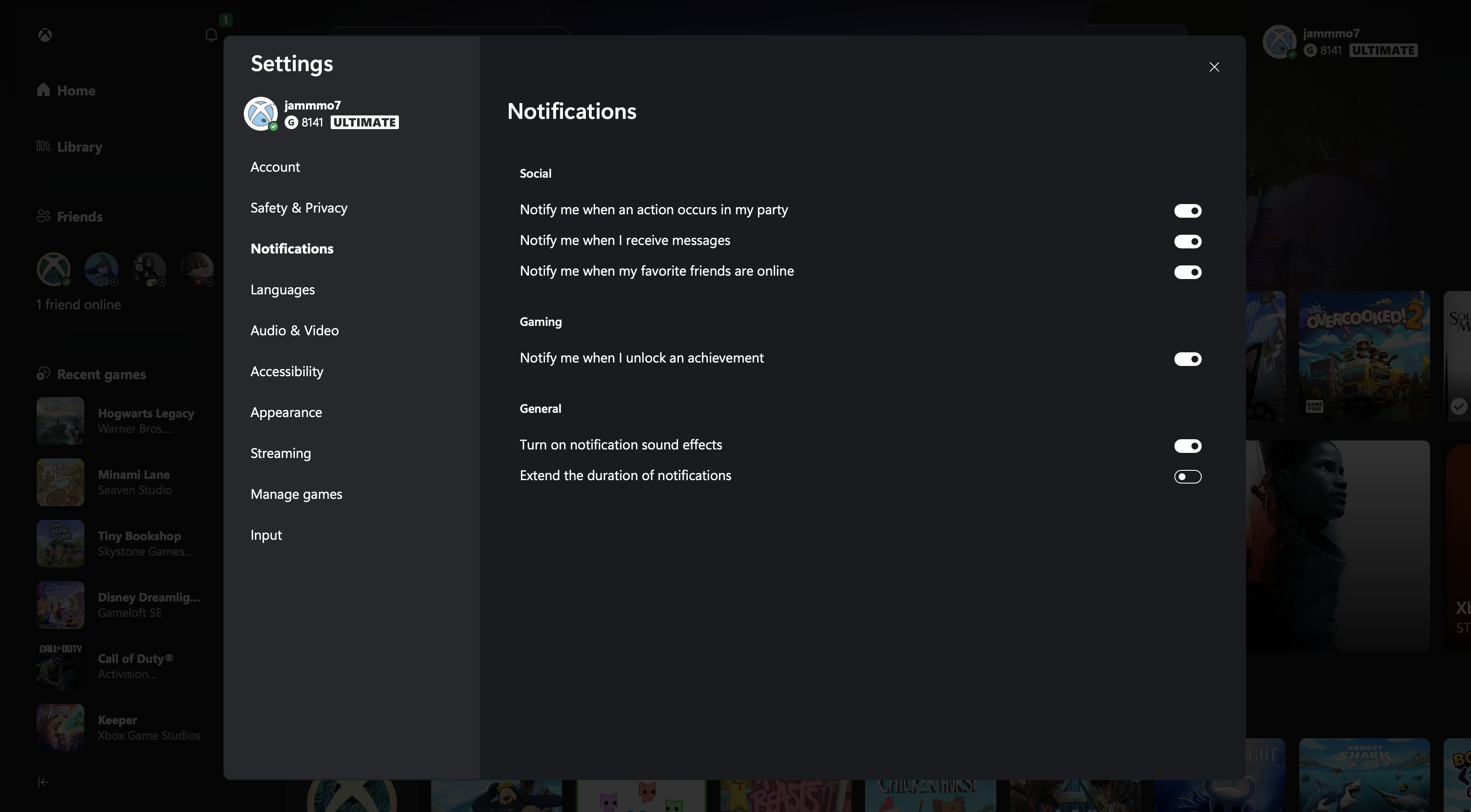
Settings: Notifications Interface
System-first approach
I treated every component as a reusable building block, keeping real user needs front and center while staying mindful of engineering limits. Acting as the bridge between design and code helped us launch a polished experience without missing a beat.
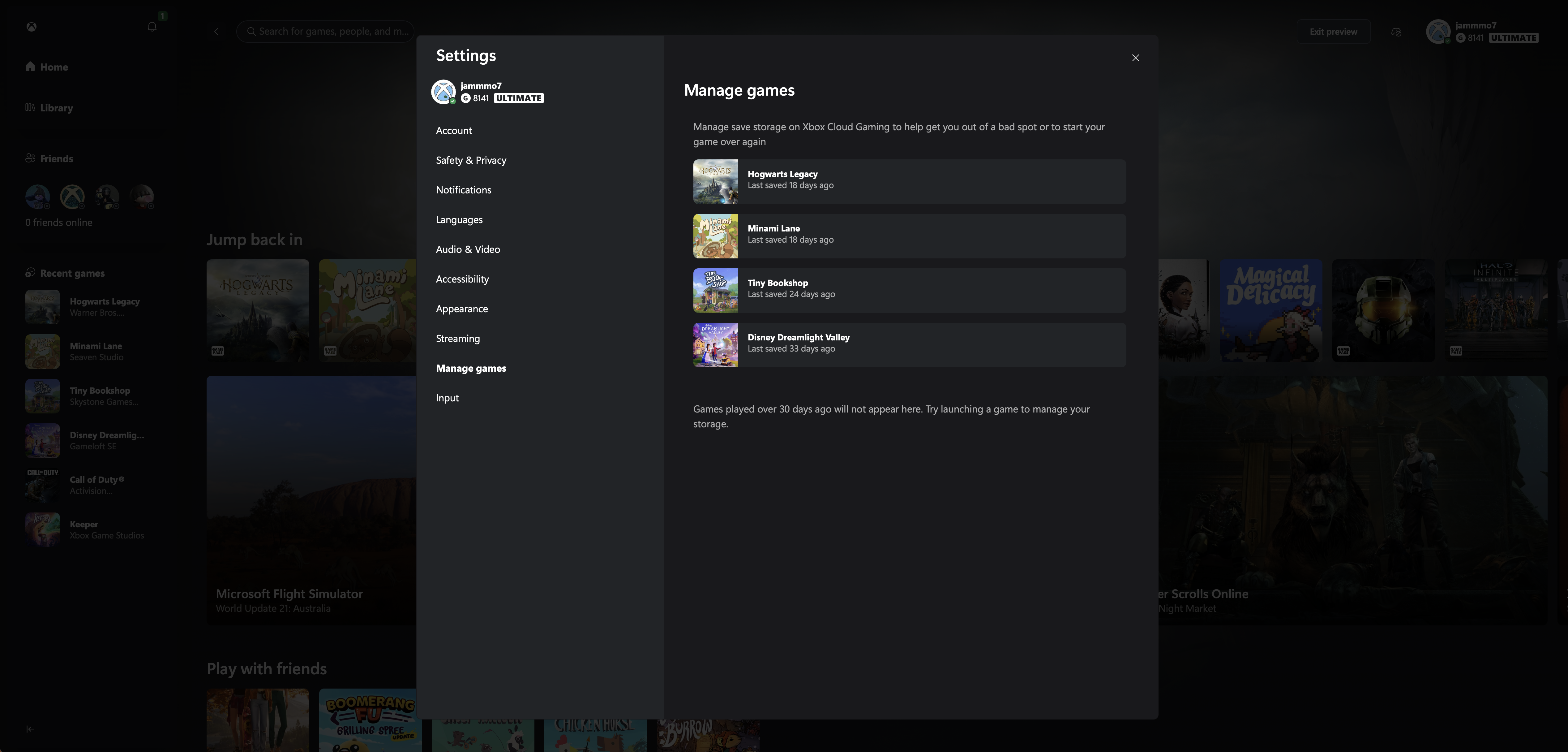
Settings: Manage Games Interface